Scroll for more
Safari
Learn how to save web pages from Safari to Albo
1
Open a web page
Open Safari and navigate to the page you want to save to Albo.

2
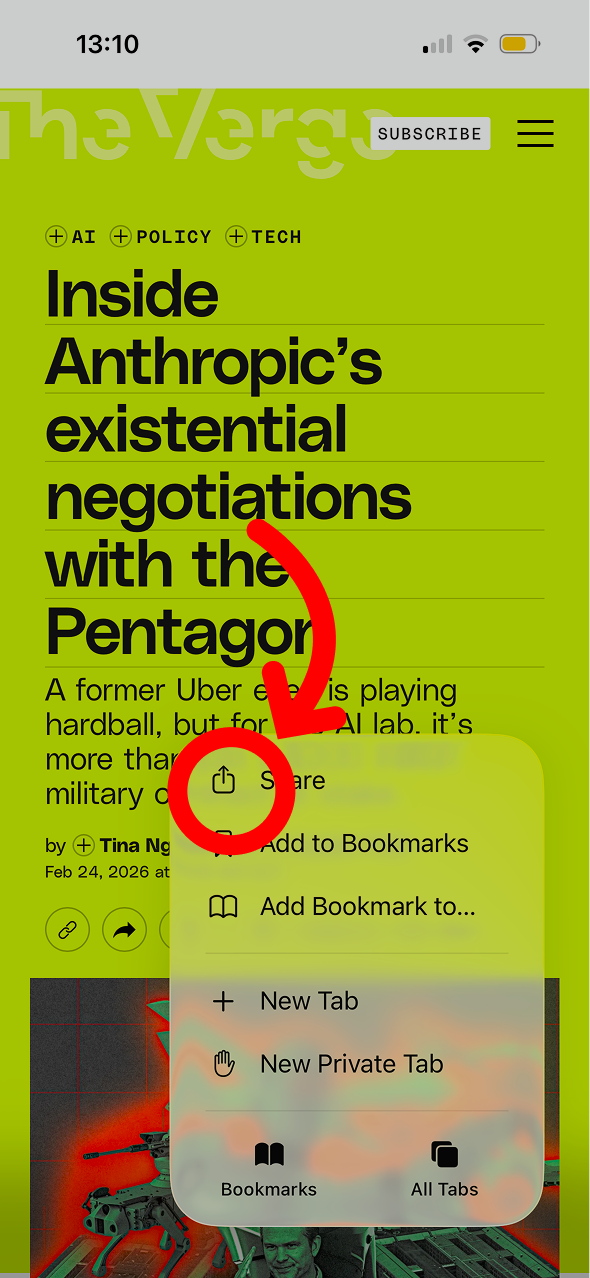
Tap the share icon
Tap the share icon (square with arrow pointing up) in the toolbar.
3
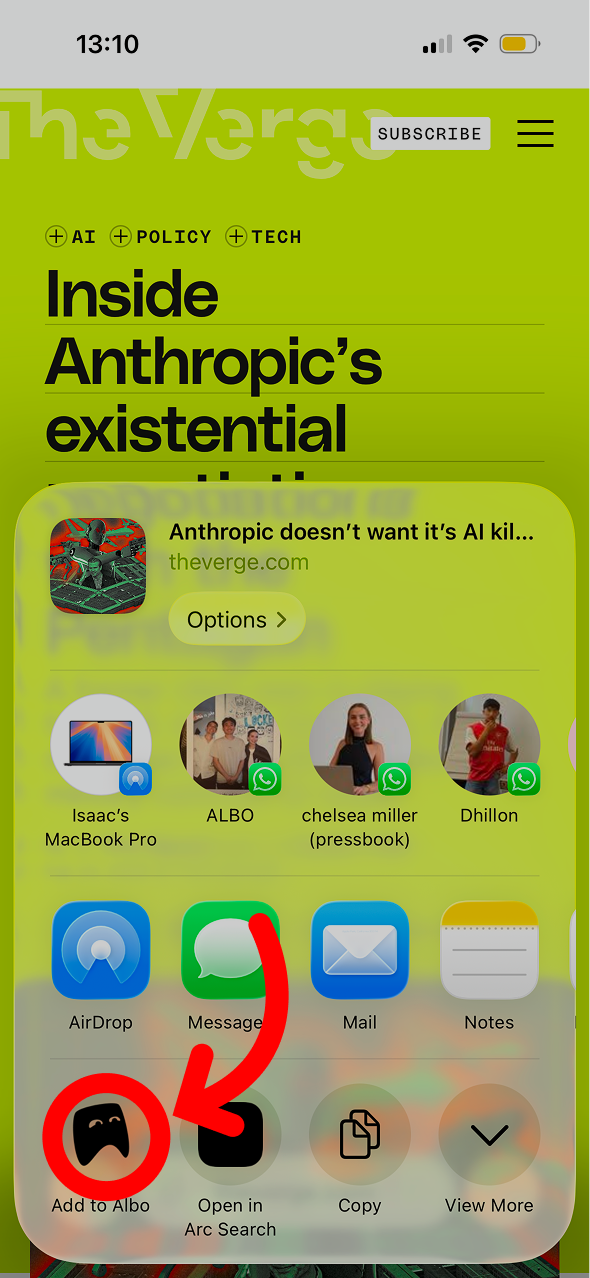
Select Albo
Scroll the share sheet and tap Albo. The page will be saved with its title, preview image, and link.
Don't have Albo yet?
Download Albo